
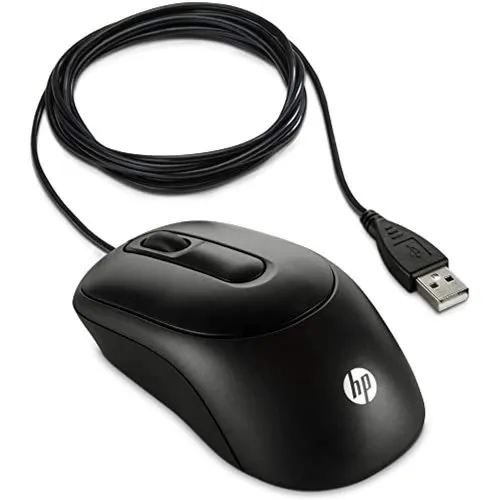
A mouse is a peripheral input device used with computers to interact with the graphical user interface (GUI). It allows users to point, click, and drag objects on the screen, providing an intuitive way to navigate and control software applications.
Types of Mice:
- Mechanical Mouse: Uses a rubber or metal ball that rolls on a surface to detect movement. This type is largely obsolete.
- Optical Mouse: Uses an LED sensor to detect movement by tracking the surface it moves across. Commonly used due to its accuracy and reliability.
- Laser Mouse: Similar to an optical mouse but uses a laser for more precise tracking, suitable for various surfaces.
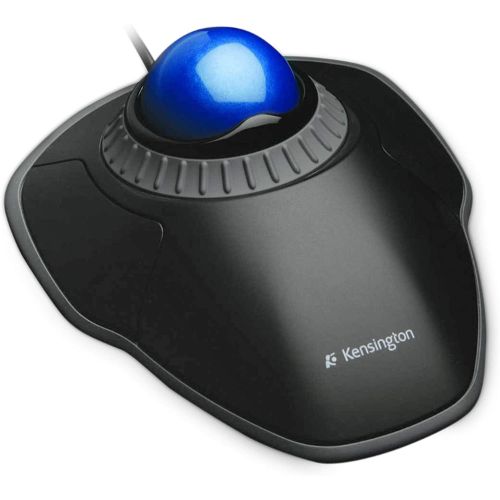
- Trackball Mouse: Features a ball on top of the device that the user rotates to move the cursor, reducing the need for desk space.
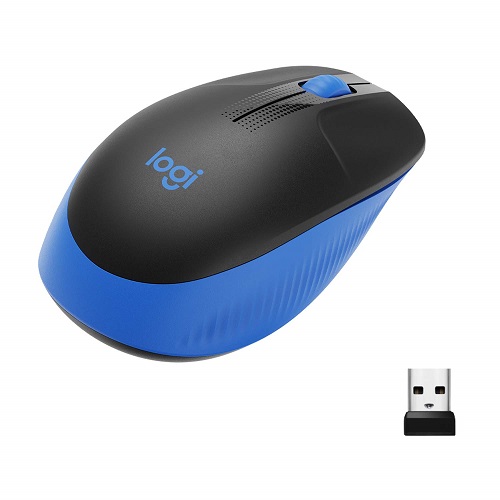
- Wireless Mouse: Connects to the computer via Bluetooth or RF (radio frequency) technology, providing more flexibility and less cable clutter.
- Gaming Mouse: Designed for gamers with features like higher DPI (dots per inch) settings, additional programmable buttons, and customizable weights.
Connectivity:
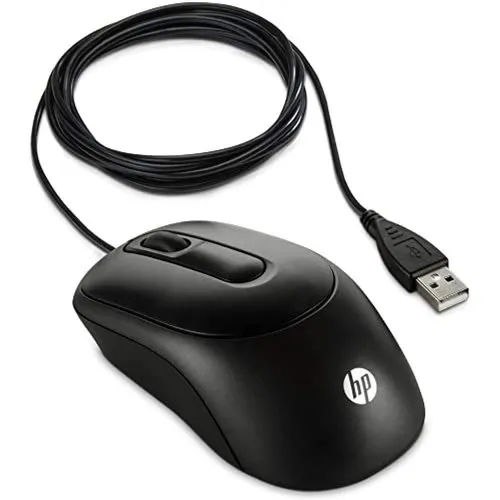
- Wired Mouse: Connects to the computer via a USB or older PS/2 port, offering consistent power and signal without the need for batteries.
- Wireless Mouse: Uses Bluetooth or a USB receiver (dongle) to connect to the computer, requiring batteries or a rechargeable power source.
Key Features:
- Buttons: Typically includes at least two buttons (left-click and right-click), and often a middle button (scroll wheel click).
- Scroll Wheel: Allows vertical and sometimes horizontal scrolling through documents and web pages.
- DPI (Dots Per Inch): Measurement of the mouse’s sensitivity; higher DPI allows for faster cursor movement.
- Programmable Buttons: Additional buttons that can be customized for specific functions or macros, particularly useful in gaming and productivity applications.
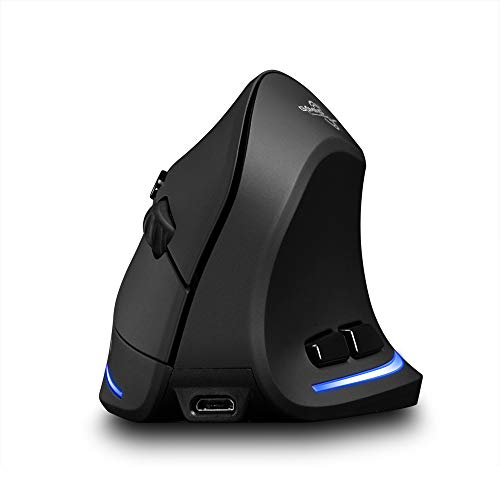
- Ergonomic Design: Shaped to fit comfortably in the user’s hand, reducing strain during extended use.