
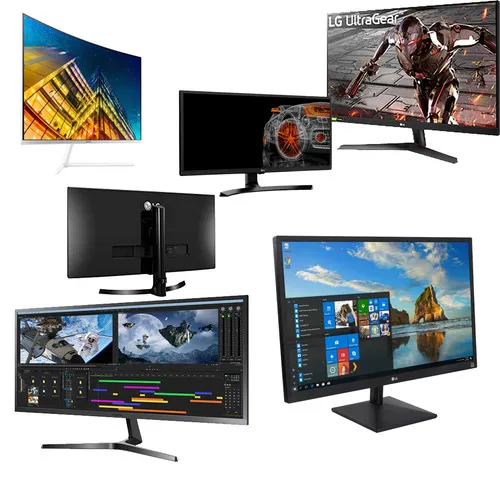
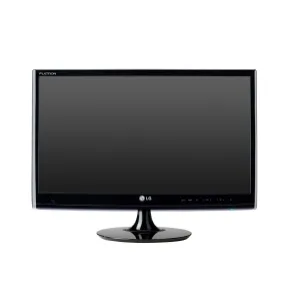
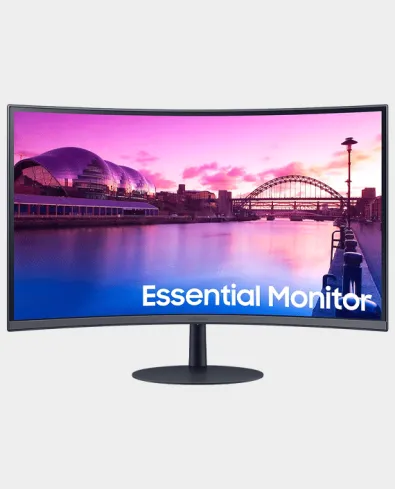
A monitor is a peripheral output device that displays visual information from a computer. It allows users to interact with the computer by showing text, images, videos, and the graphical user interface (GUI).
Functionality:
- Display Output: Shows everything from operating system interfaces to multimedia content.
- User Interaction: Provides visual feedback for user inputs from peripherals like the keyboard and mouse.
Types of Monitors:
- LCD (Liquid Crystal Display): Common for its energy efficiency and slim design.
- LED (Light Emitting Diode): A type of LCD with LED backlighting for better color and brightness.
- OLED (Organic LED): Offers superior color accuracy and contrast.
- CRT (Cathode Ray Tube): Older technology, now largely obsolete.
Key Features:
- Resolution: Determines the clarity of the display (e.g., Full HD, 4K).
- Refresh Rate: Measured in Hz, it indicates how many times per second the display is updated (e.g., 60Hz, 144Hz).
- Size: Measured diagonally in inches; common sizes range from 21” to 32” or larger.
- Aspect Ratio: Commonly 16:9 for widescreens, but can vary.
Connectivity:
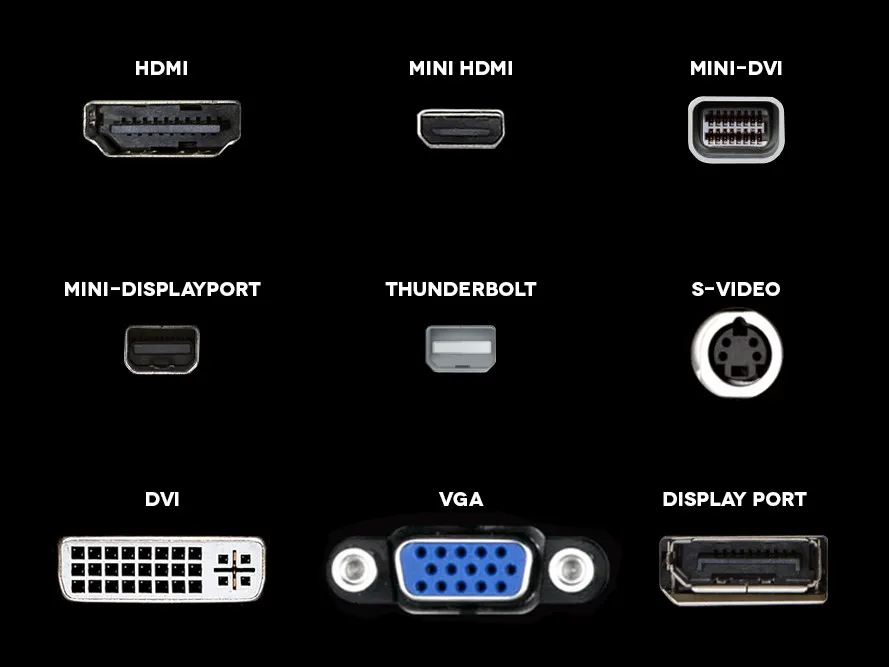
- HDMI: Standard for high-definition audio and video.
- DisplayPort: Used for high-performance displays.
- VGA: Older analog connection, less common now.
- USB-C: Modern connection supporting power, data, and display.